Why I Love PDFs
PDFs quietly power modern work. From resumes and contracts to invoices and ebooks, PDFs remain one of the most reliable and universal document formats ever created.
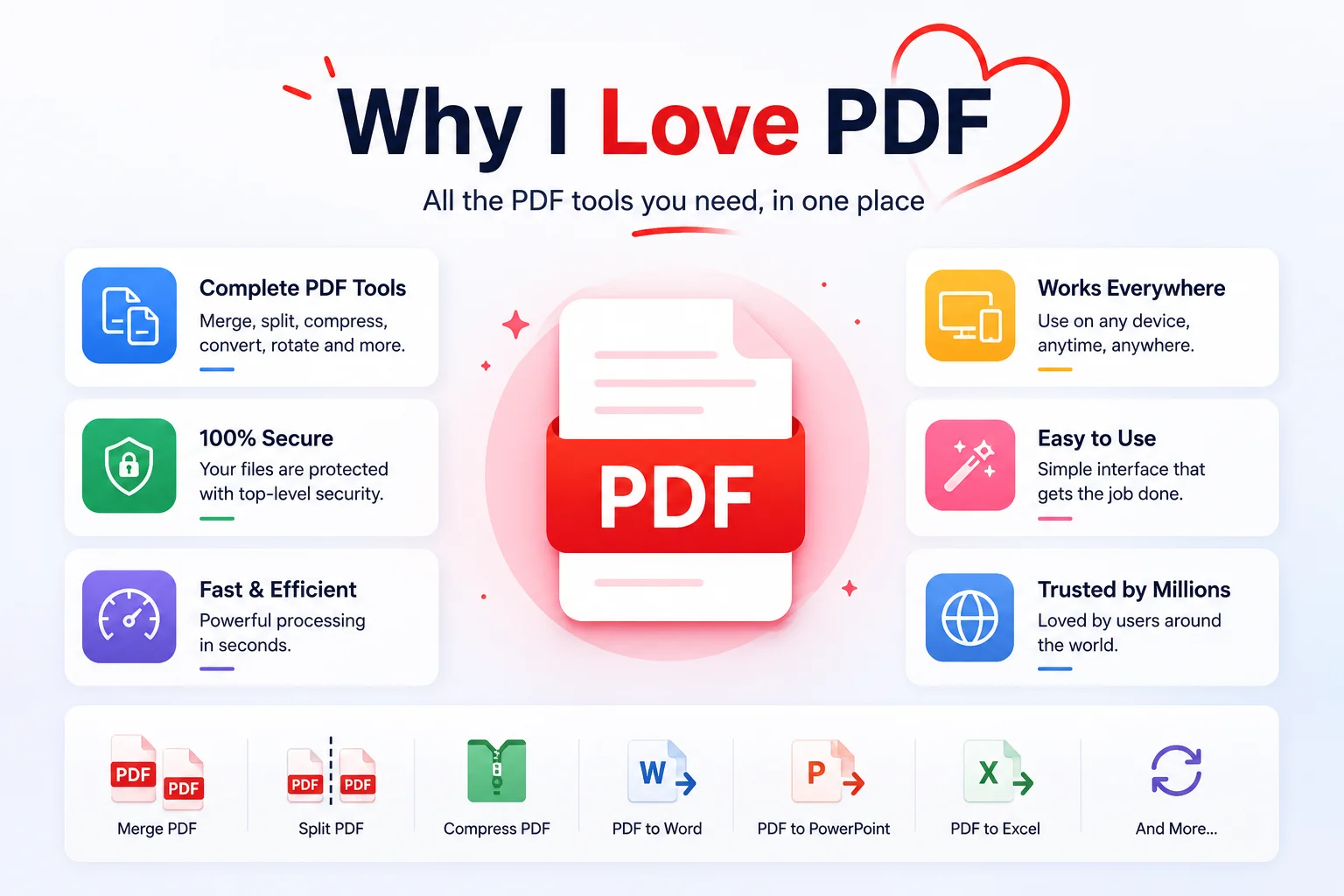
In a world of constantly changing apps and subscription tools, PDFs remain refreshingly dependable. Tools like ilovepdf have introduced millions of people to online PDF processing — but it is worth understanding why PDFs matter beyond just any single tool, and why the choice of how you process them matters too. Not trendy, not flashy — but quietly solving real problems every single day. That dependability is why PDFs have outlasted every competitor, every alternative format, and every wave of "this will replace PDFs" predictions.
Quick answer: Why are PDFs still the most reliable document format?
PDFs lock in formatting across every device, OS, and software version — fonts, layout, images, and spacing all stay exactly as intended. They feel final, signal completeness, and work everywhere without asterisks. A PDF created in 2005 opens cleanly in 2026. For contracts, resumes, invoices, and anything that needs to look right for everyone, no other format comes close.
PDFs Just Work — Everywhere
The single most valuable thing about a PDF is consistency. Open the same file on Windows, Mac, Android, iPhone, a 10-year-old laptop, or a school computer — it still looks the same. Fonts stay intact. The layout does not break. Images stay aligned. Margins remain consistent.
That reliability matters more than people realise until something goes wrong without it. A resume that shifts formatting can look unprofessional. A contract with broken spacing can become confusing. A report with missing fonts can become unreadable. PDFs avoid all of those problems — by design. For solutions when PDFs do break, see how to edit a PDF without Adobe Acrobat.
PDFs Feel Final
A Word document feels editable. A Google Doc feels temporary. A PDF feels complete.
That sense of finality is exactly why PDFs are the standard for resumes, invoices, contracts, ebooks, portfolios, research papers, and government forms. Turning a document into a PDF gives it a sense of permanence. It signals to the reader: this version is ready to share.
That signal is not incidental — it is built into the format. PDFs are not designed to be casually modified. They are designed to be reliably received.
PDFs Are Universal in a Way Very Few Formats Are
Most digital formats come with asterisks. Works on Windows. Works in Chrome. Requires this version or newer. Opens in this app on iOS.
PDFs have no asterisks. A government office in one country and a student on the other side of the world can both open the same PDF without compatibility issues, without needing the same software, without worrying about the version. That kind of universal interoperability is genuinely rare, and it is why PDFs became trusted infrastructure for documents that matter.
Students, teachers, recruiters, designers, lawyers, accountants, businesses, and governments all rely on PDFs for the same reason: they work for everyone, on everything.
PDFs Solve Everyday Problems Quietly
Most people do not think about PDFs until they need them. But PDFs quietly power an enormous amount of modern work.
A document too large to email? Compress the PDF. Multiple reports from different contributors? Merge them into one. Specific pages needed from a long document? Split the PDF. A contract that needs signing? Sign it without printing. A sensitive file being shared externally? Protect it with a password.
Invoices are a particularly clear example — finance teams extract structured data directly from PDF invoices into Excel for bookkeeping, far faster than manual entry. The full workflow is covered in how to convert invoice PDF to Excel.
These are not niche operations. They are the daily friction points of professional life — and PDFs, with their ecosystem of tools, handle all of them. No other format offers the same combination of reliability, flexibility, and universal support.
PDFs Make Sharing Friction-Free
One of the main reasons PDFs remain popular is simple: they eliminate uncertainty. Instead of worrying about missing fonts, broken formatting, software compatibility, or accidental edits, you send a PDF and it arrives looking exactly as intended. The recipient gets the document. Not an approximation of it.
This is especially valuable for documents where exact presentation matters: resumes, client proposals, printed materials, official submissions, and anything read by someone who does not have your software.
When the document contains sensitive information — contracts, payslips, financial data — that friction-free sharing should also be private. The case for not uploading sensitive PDFs to third-party services is straightforward: what stays in your browser stays yours.
PDFs Age Well
The format was published openly. Software tools for reading PDFs are available on every platform and have been for decades. A PDF created in 2005 opens cleanly in 2026. A contract signed and archived as a PDF in 2010 is still fully readable, exactly as it was, with no migration headaches.
For long-term document storage — legal records, financial archives, research papers, institutional reports — PDFs are the appropriate format because they will still be readable long after the software that created the source document is obsolete.
Modern Tools Have Made PDFs Even Better
Even though PDFs are decades old, the format continues evolving. Modern tools now support OCR text recognition, annotations, digital signatures, form filling, compression, password protection, and full browser-based editing — without printing, without Acrobat, without a subscription.
The guide to editing PDFs without paying for Adobe covers the full range of what is now possible for free. And if file size is an issue before sharing, the guide to compressing PDFs without losing quality walks through what compression actually does and when it matters.
Critically, those tools now run locally in your browser. For contracts, financial documents, and identity papers, that privacy matters. Your file does not need to leave your device for you to compress, sign, protect, or merge it.
PDFCrush vs ilovepdf — The Privacy Difference
ilovepdf is one of the most widely used online PDF tools — and for good reason. It is fast, covers a broad range of operations, and requires no installation. Millions of people use it every week.
The difference comes down to one thing: where your file goes.
ilovepdf uploads your PDF to their servers for processing, then deletes it after a short window. For most documents, this is fine. For contracts, payslips, financial statements, ID scans, or client files, uploading to any third-party server is a meaningful privacy risk — regardless of how reputable that service is.
PDFCrush processes everything entirely in your browser using WebAssembly. Your file never leaves your device. There is no server-side component, no upload, and nothing to delete because nothing was ever sent anywhere.
| Feature | PDFCrush | ilovepdf |
|---|---|---|
| File processing location | Your browser only | Uploaded to their servers |
| Account required | No | No (basic use) |
| Free | Yes | Yes (with daily limits) |
| Privacy for sensitive docs | Files never leave device | Files sent to cloud |
| Compress PDF | ✅ | ✅ |
| Merge PDF | ✅ | ✅ |
| Split PDF | ✅ | ✅ |
| Edit / annotate PDF | ✅ | Limited |
| Works on Chromebook | ✅ | ✅ |
| No upload limits | ✅ | ✗ (free tier limits) |
If you are using ilovepdf for general documents and are happy with it, there is no reason to switch. But if you process contracts, financial files, HR documents, or any sensitive material — browser-based, no-upload processing is the better choice. The full case against uploading sensitive PDFs online covers the risk in detail.
What Professionals Actually Do With PDFs
The real picture of PDF use in 2026 is not just "open and read." Professionals interact with PDFs in ways that would have required expensive software a decade ago — now handled in a browser tab, for free.
A freelance designer compresses a 40 MB portfolio PDF to 4 MB before emailing it to a client. A bookkeeper extracts structured data from 30 invoice PDFs into Excel in an afternoon. A lawyer reviews, annotates, and signs a contract without printing a single page. A recruiter receives 200 resume PDFs, each formatted consistently regardless of the applicant's operating system.
These are everyday workflows, not edge cases. PDFs sit at the centre of how professional work actually moves — between people, organisations, systems, and time. The format is not just useful; it is load-bearing infrastructure.
What We Found Comparing PDF Workflows
To see how much the "where does my file go" question actually matters in practice, we ran the same three jobs — compressing a 35-page scanned contract, OCR-ing a folder of photographed receipts, and merging 200 resume PDFs into review batches — through both an upload-based tool and PDFCrush.
Speed favoured the local tool once files got large. The upload-based service spent a noticeable chunk of total time pushing the contract PDF to its servers and pulling the result back; PDFCrush started processing the moment the file was selected. For the 200-resume merge, that upload overhead added up to minutes, not seconds.
Output quality was effectively identical — compression ratios, OCR accuracy, and merge ordering all landed within a hair of each other. The meaningful difference wasn't in the result; it was in what happened to the file before the result existed.
Only one workflow left a server-side trace. With the upload-based tool, the contract and the receipts existed — even briefly — on infrastructure we didn't control, governed by a privacy policy we hadn't audited. With PDFCrush, nothing left the browser tab; there was no upload step to inspect, because there was no upload.
For a one-off birthday invitation, that distinction barely registers. For a signed contract or a stack of receipts with names and account numbers on them, it's the entire ballgame.
Common PDF Mistakes Worth Avoiding
Sending a Word document when a PDF is expected. For anything final — a resume, a proposal, an invoice — convert to PDF before sending. Word documents render differently depending on the recipient's software version.
Not compressing before sharing. Email attachment limits, upload portals, and storage systems all have size constraints. Uncompressed scanned PDFs are often 10–20× larger than necessary with no visible quality difference.
Sharing sensitive PDFs through unvetted online services. If the PDF contains contracts, financial data, or personal information, it should be processed locally — not uploaded to a cloud service whose privacy policies you have not read.
Not password-protecting confidential documents. PDFs sent externally — to clients, partners, or government portals — can be protected with a password before sending. It takes seconds and removes a meaningful risk.
Treating the PDF as the primary editing environment. PDFs are for sharing, not for original authoring. Make structural edits in the source document first, then export to PDF. Editing directly in a PDF is workable for minor additions but awkward for anything structural.
The Right Tool for Each PDF Task
The best thing about PDFs in 2026 is that the tool ecosystem has caught up with the format's potential. Everything you need is browser-based, free, and processes files locally — nothing leaves your device.
Compress PDF — reduce file size before emailing or uploading to portals, without visible quality loss.
Merge PDF — combine multiple documents into one organised, correctly ordered file.
Split PDF — extract specific pages or break a large document into smaller parts.
Protect PDF — add a password before sharing sensitive files externally.
Each tool runs entirely in your browser. No uploads, no accounts, no subscription.
What I Like Most About PDFs
What I like most about PDFs is not any technical feature. It is the philosophy behind them: a document should look the same for everyone who receives it.
That sounds simple, and it is. But it is also increasingly rare in a world of format drift, platform lock-in, and software that renders documents differently depending on which version you have.
PDFs just do their job. Quietly, reliably, universally. In a world where so much technology feels temporary, that is enough.
Frequently Asked Questions
Related Articles
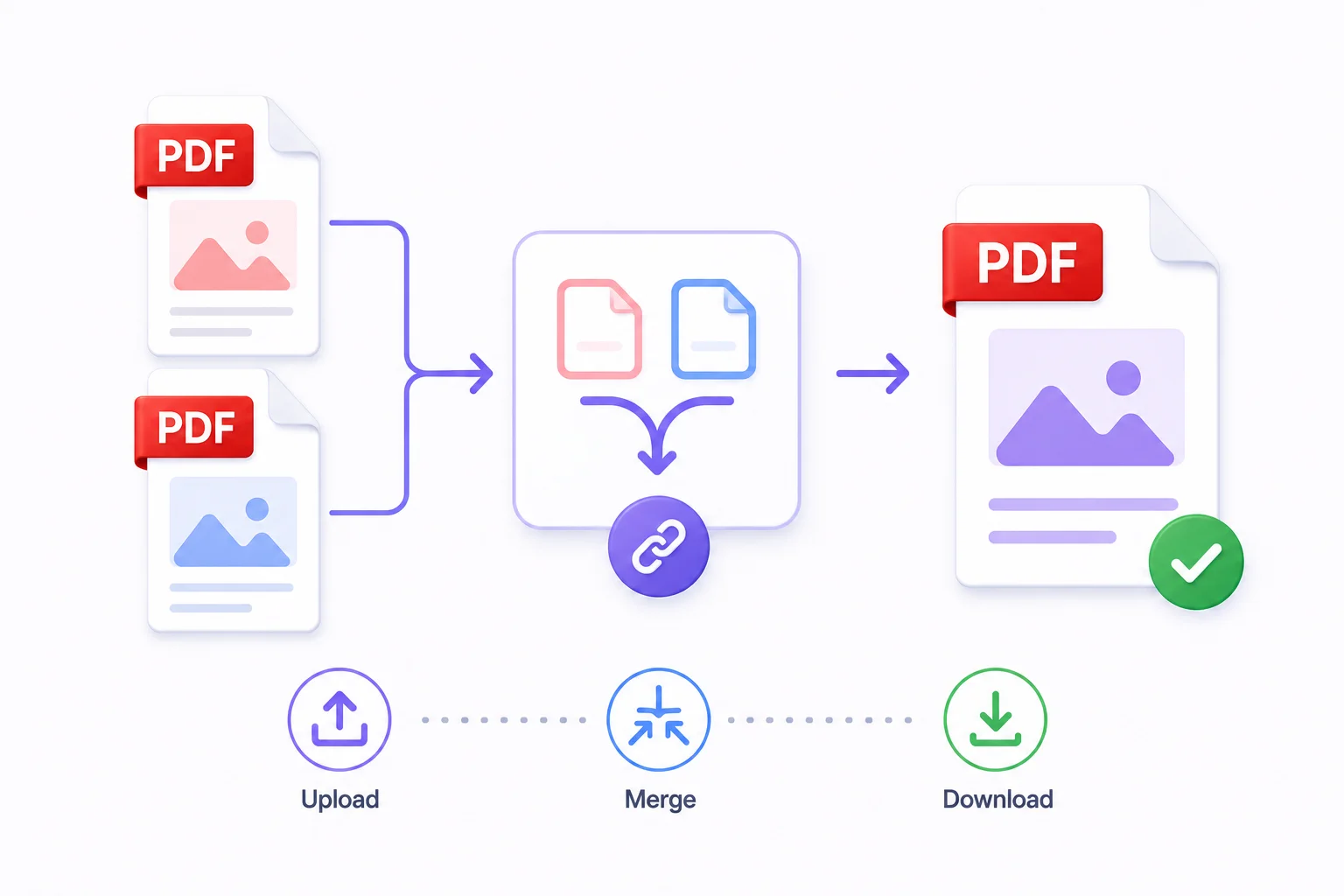
How to Merge PDF Files Online - Free & Fast
Whether you're combining a contract with its appendix, joining scanned pages into one document, or assembling a portfolio from individual pieces - merging PDFs takes under a minute with the right tool.
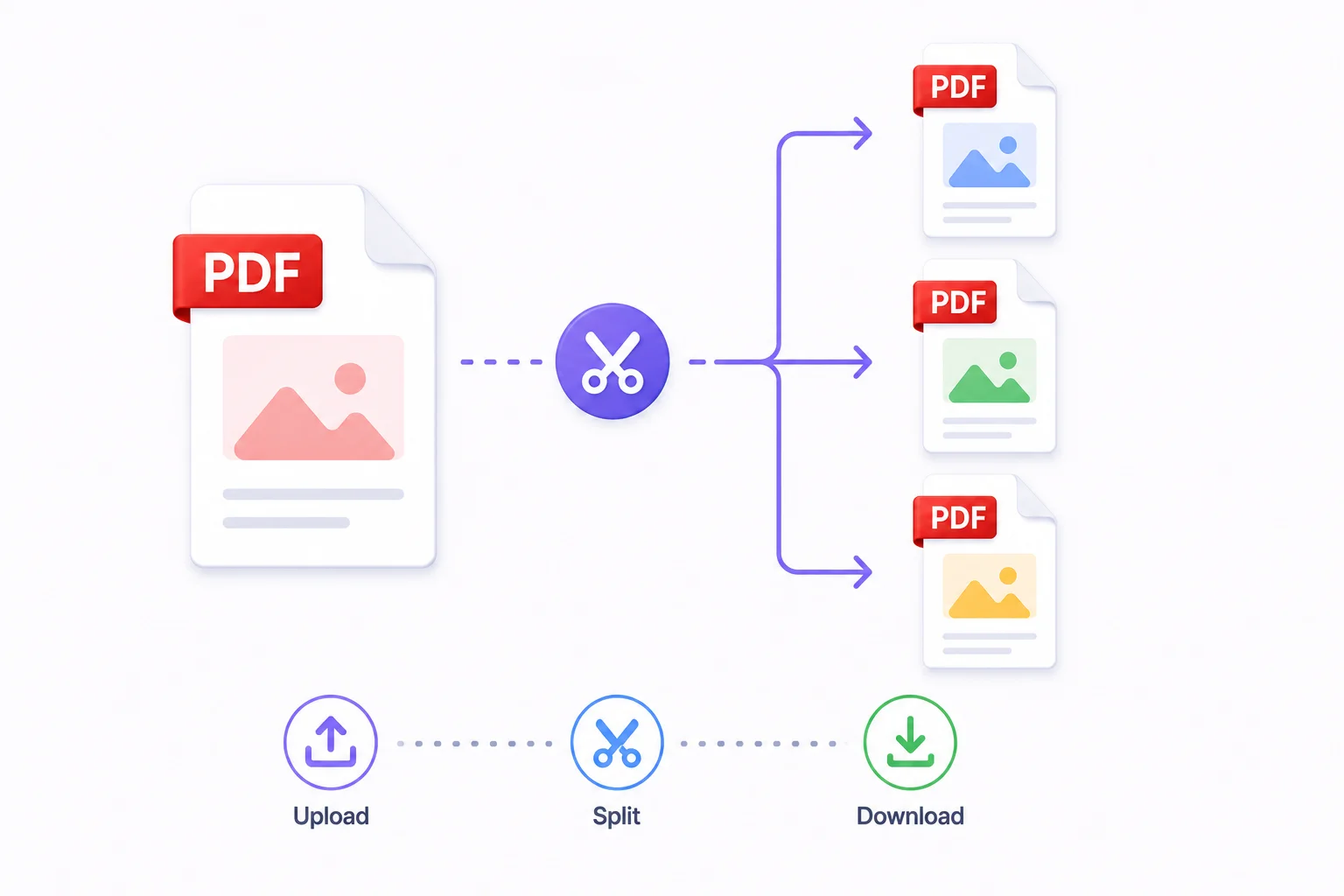
How to Split a PDF Into Multiple Files
Split a large PDF by page range, every N pages, or into individual pages. Four split modes with visual page selection - free and instant.
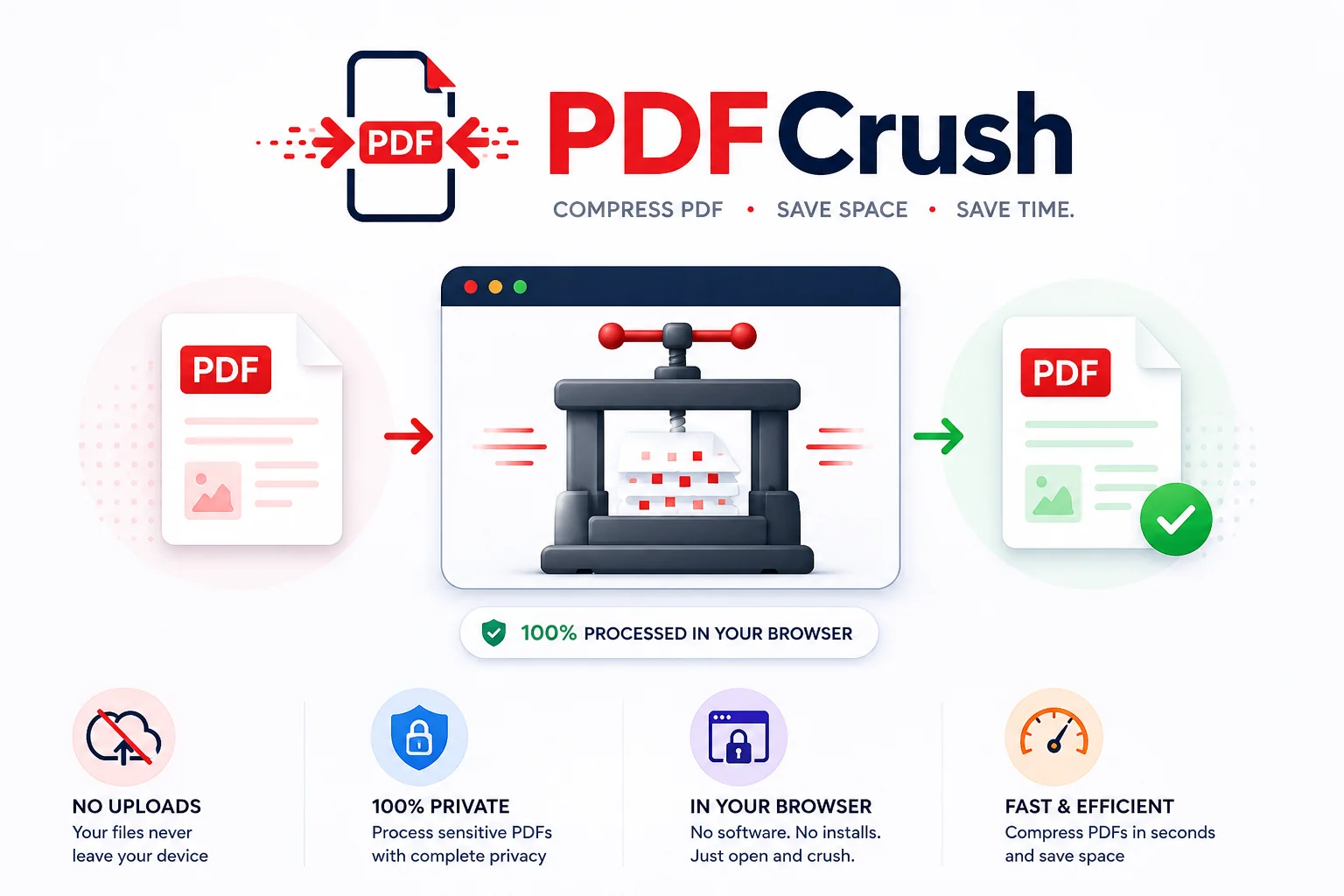
Stop Uploading Sensitive PDFs Online - Process Them Privately in Your Browser
Adobe costs $239 a year. Smallpdf throttles you at 2 files per hour. ILovePDF requires a sign-up for anything useful. PDFCrush does everything in your browser - compress, OCR, scan, extract, sign - with no account, no upload, no watermark, no limit. Here is why it works.